
 Coyoteshift™
One place to track it all.
Your people, your stock, your orders and your numbers, in one app built for small shops. Inventory sits in the middle, because almost everything in a store touches it.
How it fits together
Ordering
What to reorder, from what sold and what’s left on the shelf.
PlannedReceiving
The distributor’s invoice is read, added up and matched for you.
Preview in the demoSelling
Costs, stock and prices kept right in Clover.
In development, preview in the demoAccounting
Cost history, margins and break-even, ready before the accountant asks.
Planned, preview in the demoPeople
Schedule, time clock, time off, wages and payroll hand-off, in Coyoteshift.
Working todayFollow one case through the store
A case of beer touches ordering, receiving, the shelf, the till, the shift that sold it and the books. Today those are five apps and a spreadsheet. Here’s the same case in one.
-
It gets ordered
CoyoteTrack suggests what to reorder from what sold this week and what’s still on the shelf. You check it and send it to your distributor.
Planned -
It arrives, and the invoice checks itself
Snap or upload the distributor’s invoice. Every line is read, added up against the invoice’s own totals and matched to your catalog by barcode, item code or name. You only look at the lines that don’t add up. A new distributor’s layout is set up once, in plain words.
Preview in the demo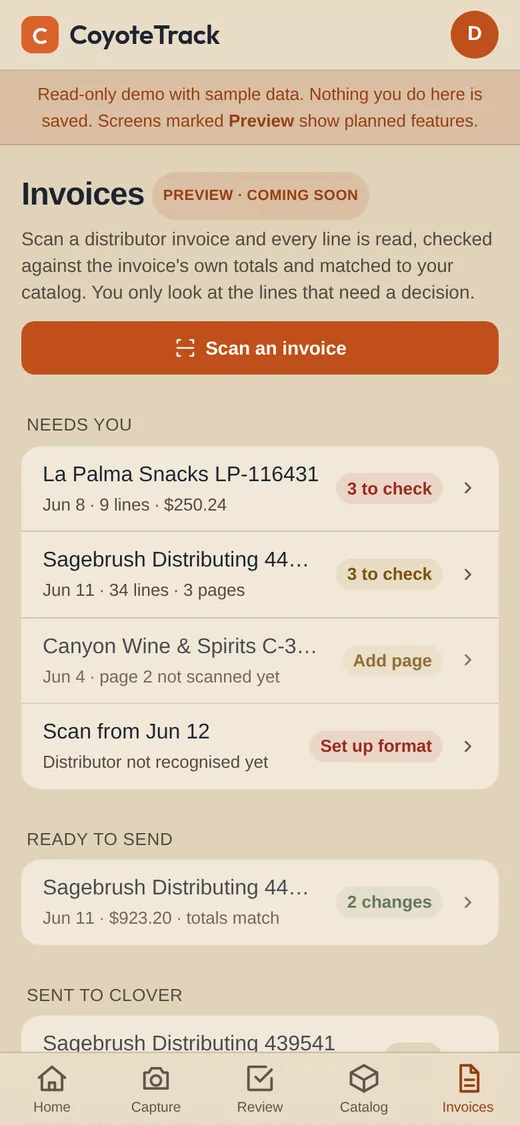
The invoice inbox in the demo -
It goes on the shelf, and gets counted
Walk the aisle: scan the barcode, snap the price tag, key the count. It works with no signal and syncs when you’re back. AI reads names and categories from the photos; a manager approves each one. Shelf labels print on a Zebra printer.
Working today, in our own stores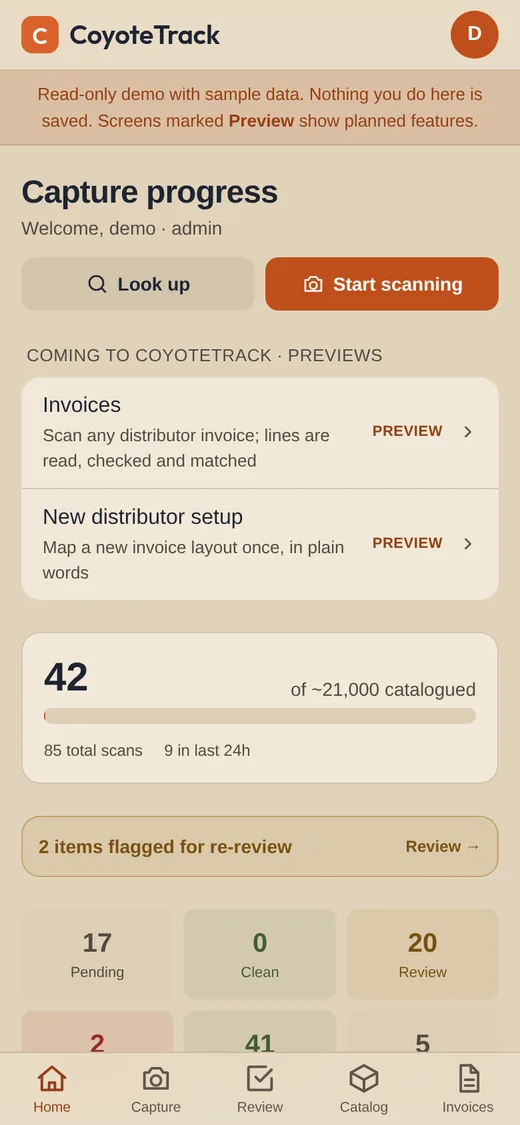
Capture progress at a glance -
It sells
Received stock, new items, costs and prices go to Clover as one batch you approve, and can undo. Reconciliation already finds phantom stock and counts that don’t match the till, and any item can be looked up against Clover.
Clover sync in development lookup and reconciliation in early access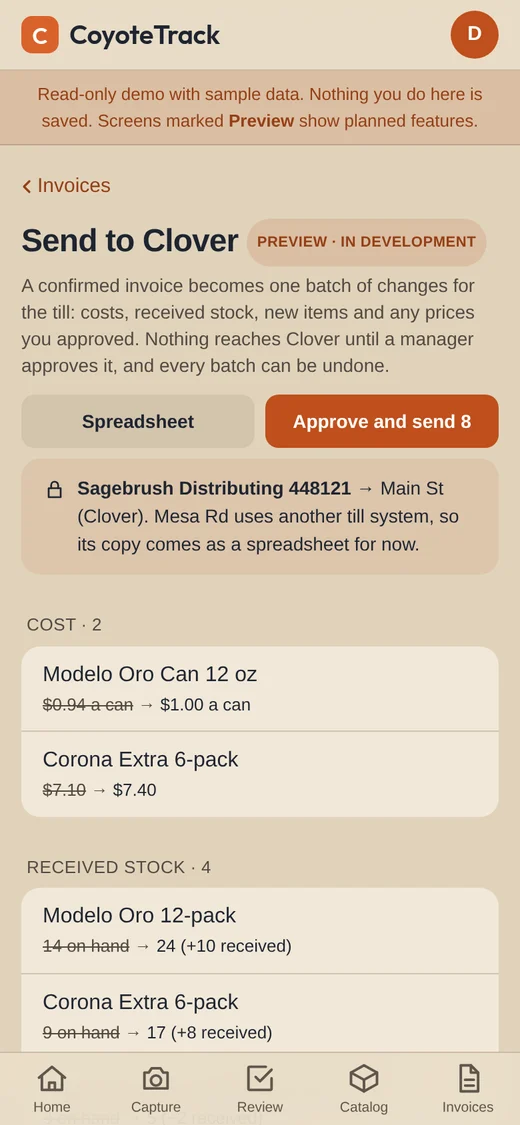
One approved batch per invoice -
It’s weighed against the shift that sold it
The schedule, time clock and wages already live in Coyoteshift, so labour cost sits next to what each shift sold. Approved hours go to your payroll provider. Next: onboarding forms with e-signature and a calendar for the filings, licence renewals and training a store can’t miss, with a person reviewing every form.
Schedule, time clock, labour cost working today HR paperwork planned, preview in the demo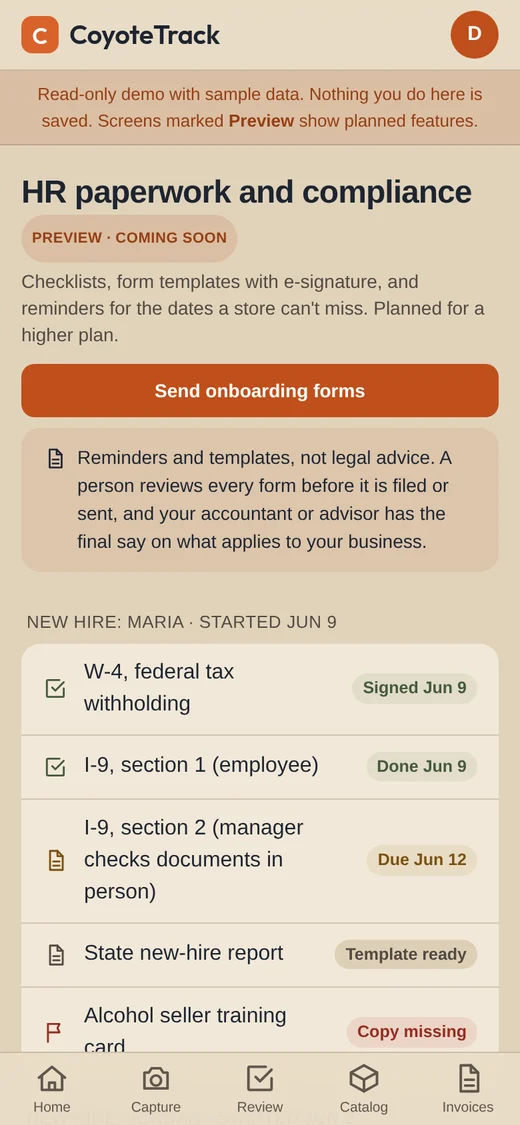
A new hire’s paperwork, tracked -
It adds up
Cost per bottle or can over time, deals starting and ending, margins by department down to the item, and a supplier report on price increases. Then break-even: wages, fees, rent and utilities against your sales, without waiting on an accountant.
Planned, preview in the demo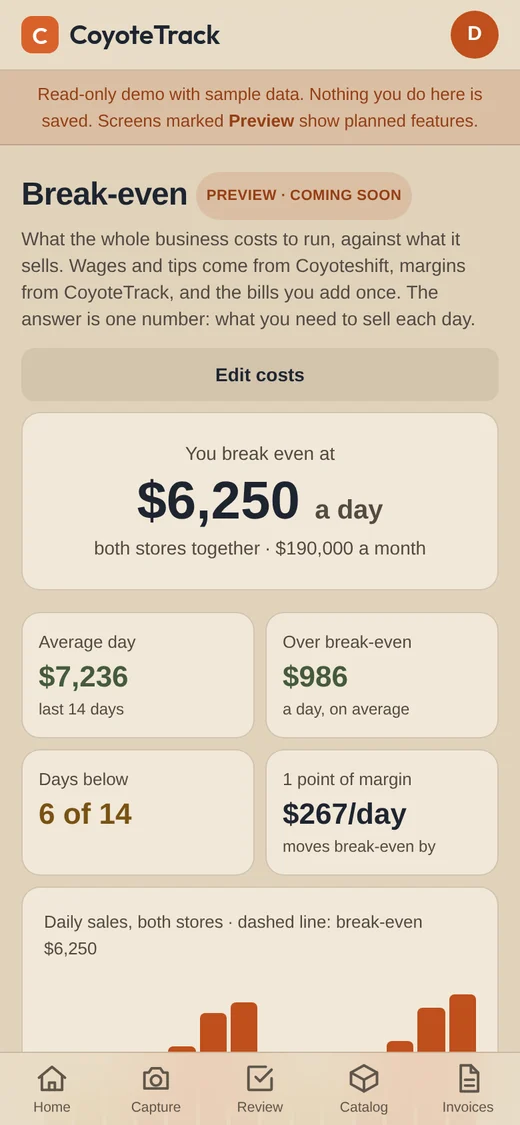
Break-even, in one number
Plans, not promises: no prices yet, and they can change. Progress on each piece is on the roadmap. Break-even and HR paperwork will be part of a higher tier, and some of that work will be done with trusted partners, always with a person checking it. Nothing here is legal or tax advice.
See it for yourself
The demo is a made-up store, read-only, signed in as a guest. Screens marked Preview show how planned features will work; they don’t save anything.